

While LinkedIn is primarily known as a networking site, it is also a very powerful B2B search engine, with 87% of B2B marketers using the platform to increase brand awareness and visibility. It is an extremely valuable tool to generate organic leads, which translates to improved brand authority and visibility online.
Getting the best results out of the platform requires a solid understanding of LinkedIn SEO, which combines strategic keyword optimisation and engagement tactics to push your content in front of the right audience.
In this blog, we’ll cover how the LinkedIn algorithm works, how to optimise your LinkedIn profile and what types of content you can create on the platform to generate leads and boost visibility.
If you are interested in using LinkedIn to elevate your business, we have a team of organic search experts that can help. Just contact our friendly team and we’ll be in touch.
How the LinkedIn algorithm works
On LinkedIn, the three most important factors to grow reach are relevance, regular activity, and connection. LinkedIn is a little bit different from traditional search engines in that the closeness of the person searching to a particular profile has an effect on how likely content is to be returned to the user. However, effective LinkedIn SEO can help to get content in front of users even if they are outside of this immediate network.
The LinkedIn algorithm considers:
- Keywords: Like with all search engines, keywords are key. On LinkedIn it is especially important to include highly-relevant keywords in headlines, about sections, and job titles.
- Relevancy: Much like on Google, if a business in a specific niche (e.g. IT) posts content about something unrelated (e.g. cooking) they will be considered less credible. It is important for business profiles to only post content that is highly relevant to their industry.
- Profile completeness: Profiles with an “all-star” status (what LinkedIn gives the profile after all seven recommended sections are completed) are made more visible in the search results.
- Activity: Frequent posting (2-5 posts per week) results in LinkedIn cataloguing the profile is an active one, leading to a boost in the search results. However, evergreen posts can resurface if they have continued discussion.
- Engagement: For a post to thrive it is important for it to gain some engagement within the first hour of posting. The more interaction a post has in this first hour the more likely it is to be recommended to other users. Additionally, the more employees are linked to the business page and interacting with it, the more authoritative the page is considered to be.
- Authenticity: LinkedIn punishes profiles that over-promote or stuff their content with hashtags. Instead, the algorithm prioritises genuine, helpful content.
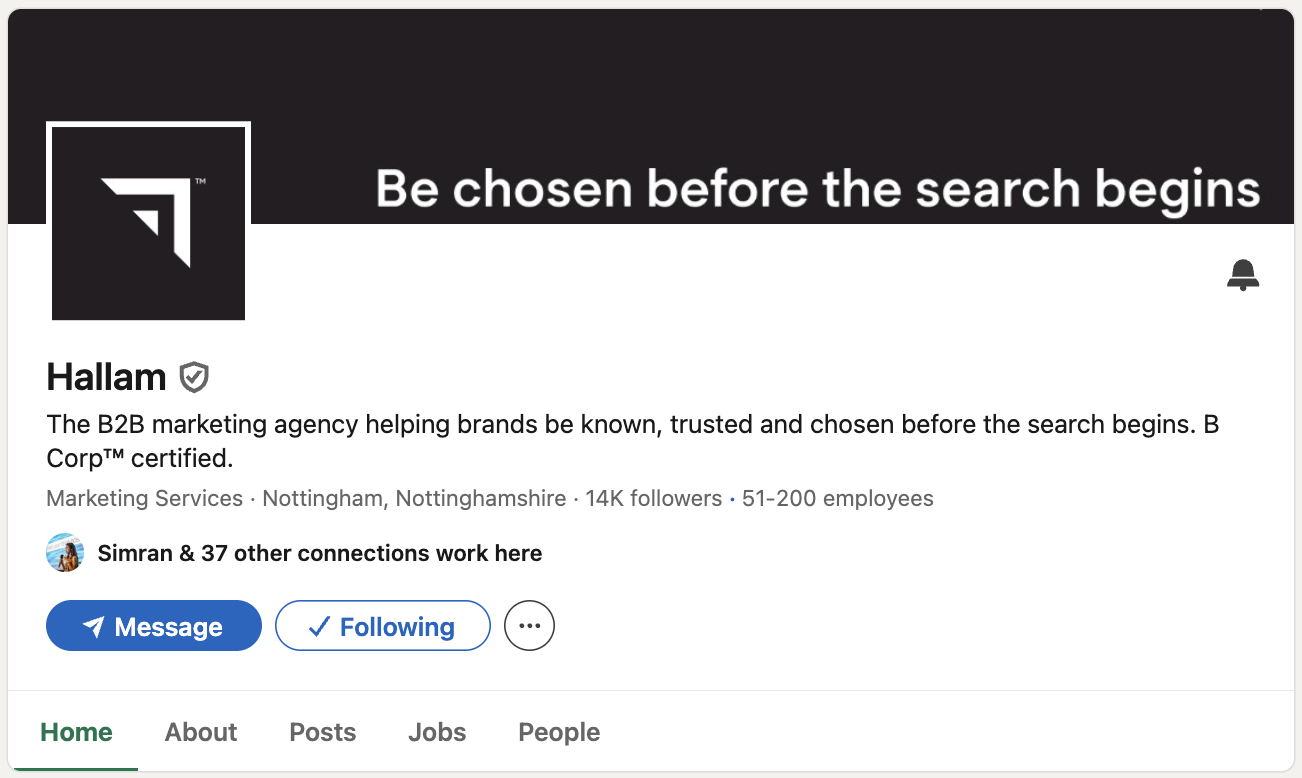
Signals of authority and expertise are also more important on this platform than other social media channels, so it is important for your business page to include as much information about the business as possible.
How to optimise your LinkedIn profile
Since profile completeness is crucial to signalling authority on LinkedIn, it is important that each section is well optimised.
When you create your LinkedIn profile, make sure to select ‘Create a Company Page’ rather than a personal page. After this, you will be prompted to input details about your company. Make sure to cover each of these steps:
- URL: LinkedIn automatically gives profiles a string of numbers in the URL. Make sure to customise to read as your brand name.
- Name, header, and logo: These should match the business’ official name and branding, and match your other social profiles.
- Company size, industry and location: Adding the correct company size, industry, and location to your company page improves visibility in search results, including job searches.
- Tagline: A bit like an H1, this should include a primary keyword and summarise what your business does, e.g. “Helping B2B businesses achieve digital marketing goals with SEO, Paid Media, and Creative”.
- About section: This is the meta description that gets pulled when a user finds your LinkedIn profile in Google, and the keywords you use contribute to what LinkedIn thinks the profile should rank for, so it should include key information about the business and primary keywords. Make sure that the first 160 characters are suitable for a meta description.
- Website link: Add a link to a preferred landing page on your website to direct organic traffic and signal that you own the company website.
- Specialties: This section should include 10-20 highly relevant keywords that will act as tags for LinkedIn search.
- Verification: Being verified on LinkedIn is an important trust signal. The requirements for verification are to prove your business owns the page’s website, and for the website to accurately represent the organisation associated with the page. You can get verified on the platform by inputting a request in your settings.
Linkedin keyword research
Unfortunately, there is no dedicated tool for LinkedIn keyword research. Therefore, this requires some manual work on LinkedIn itself.
When doing your keyword research, look at:
- Analytics: You can use LinkedIn’s native analytics tool to find a list of keywords users searched to find your company page over the last 7 days. While this isn’t a huge range to look at, checking it regularly can help you identify the highest intent keywords for your business.
- Search auto-complete: Start typing terms related to your business into the LinkedIn search bar and see what comes up. These are based on queries commonly searched by users at the time.
- Competitors: Type in your business’ primary services into the search bar and look at the companies that come up first. You can then analyse their profiles, looking closely at their taglines, specialties and descriptions, to find commonly used keywords.
- People also viewed: You can look at this sidebar on your business page to see what other businesses LinkedIn associates with your brand. If these aren’t relevant, the keyword strategy likely needs optimisation.
- Skills: Consider keywords that your target audience list as skills on their profiles.
Content formats for LinkedIn SEO
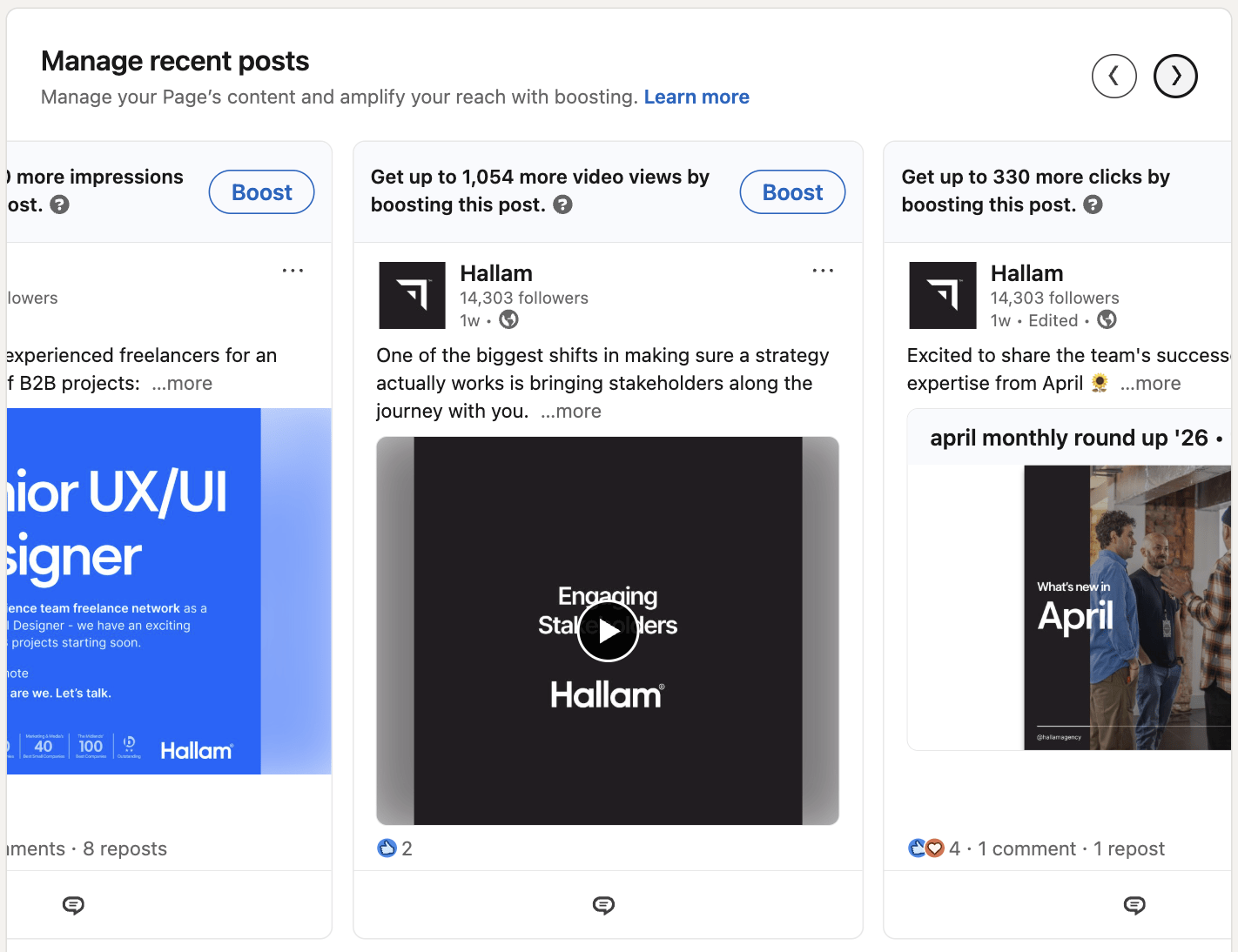
LinkedIn offers a number of content formats that can be used to create engaging posts for your audience. The more helpful content and engagement you get on your posts, the more likely your company page is to be shown to relevant users. Let’s take a look at some content strategies that you can use and where they are best suited:
Text posts
While plain text posts may not be the most effective for engagement, they can be useful when you simply want to share a quick announcement or pose a question to your audience. Remember that users don’t generally want to read a huge block of text while browsing, so keep your text posts concise and consider adding in some emojis and colourful language to add some flair.
Image posts
Using a visual to compliment a text post can help to capture attention and add additional context to your post. You can use a photo, infographic, screenshot, graph, or any other creative design to make an impression on your audience. Whatever image type you choose, make sure to:
- Use a clear and high-quality image.
- Keep the image size low (the maximum image size for LinkedIn is 5MB and the minimum image size is 552 x 276 pixels).
- Add alt-text to improve accessibility and clarify what the image contains to the algorithm.
Carousels
Carousels are often considered the most engaging post type on LinkedIn. They are made up of multiple images that a user can swipe through, and are often used to display text in a more engaging way. The cereal brand SURREAL has gained a lot of popularity on the platform by using long, text-based carousels for persuasive advertising pieces and announcements.
There are many ways to use carousels on LinkedIn. You can use them to:
- Convert long text pieces into bite-sized content
- Display multiple images from an event
- Communicate a research piece with multiple graphs and charts
- Produce a visual step-by-step guide
- Show before and after transformations
- Take users through a long case study
And so much more!
Interestingly, when a user is returned a carousel on their feed but they scroll past it, the same carousel can re-appear in their feed with the second image displayed, meaning that your carousels can actually get two separate chances to receive engagement.
Native videos
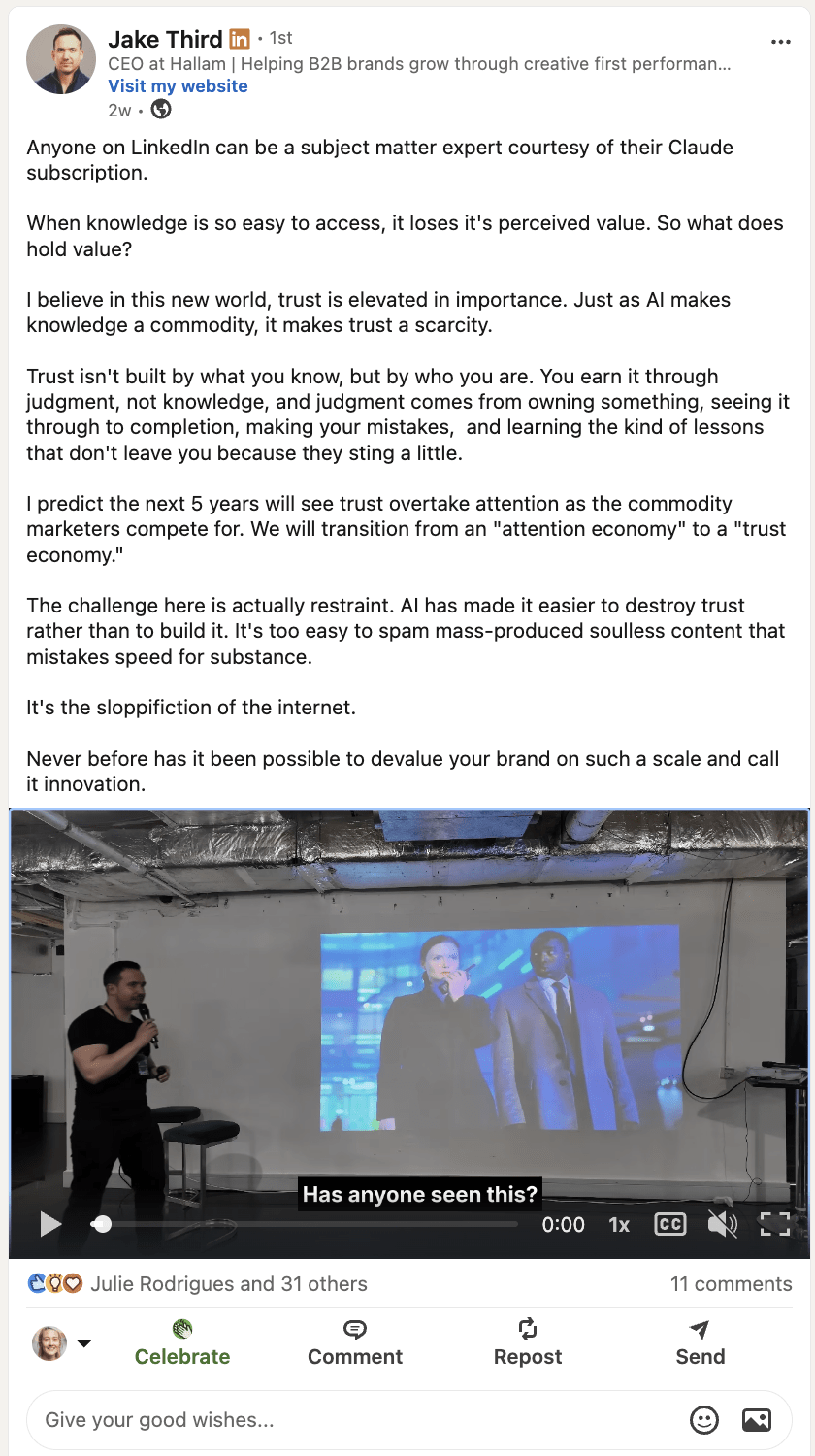
Video viewing increased by 36% in 2025 and this is likely to continue to grow as users develop a greater preference for visual content. While you can embed videos on the platform, native videos autoplay as users scroll through their feed, making them a better option for engagement.
It is helpful to add some text to your video posts to provide context and encourage an action, as well as closed captions to improve accessibility and engagement for users who view videos on mute. This will also improve your LinkedIn search as the algorithm will have a transcript of the spoken content in the video.
There are lots of ways you can utilise videos to add value for your audience, here are some ideas:
- Educating your audience about a service, platform, or concept.
- Sharing industry trends or insights
- Telling your brand story
- Showcasing a successful event
- Giving career advice
- Repurposing clips from successful webinars, talks, or podcasts
Aim for your videos to be between 30-60 seconds long as shorter videos perform better on LinkedIn than longer ones.
Articles
While your average text, image, or carousel post on LinkedIn is usually geared towards short-term engagement, LinkedIn articles are an opportunity to post long-form content on your profile.
You can use articles to demonstrate expertise and authority through thought leadership and evergreen content. Here are just a few examples:
- Beginner guides
- Tool comparisons
- Framework explanations
- Case studies
- Industry predictions
- Opinion pieces
- Expanding a successful short post
When writing a LinkedIn article, make sure that it has a strong headline that captures attention, as well as a few visuals thrown in to maintain interest. Adding a CTA or question at the end of the article can also improve engagement.
You may also want to start a newsletter on LinkedIn and publish your articles there. This allows your audience to subscribe to your newsletter and get notified every time you add an article.
Polls
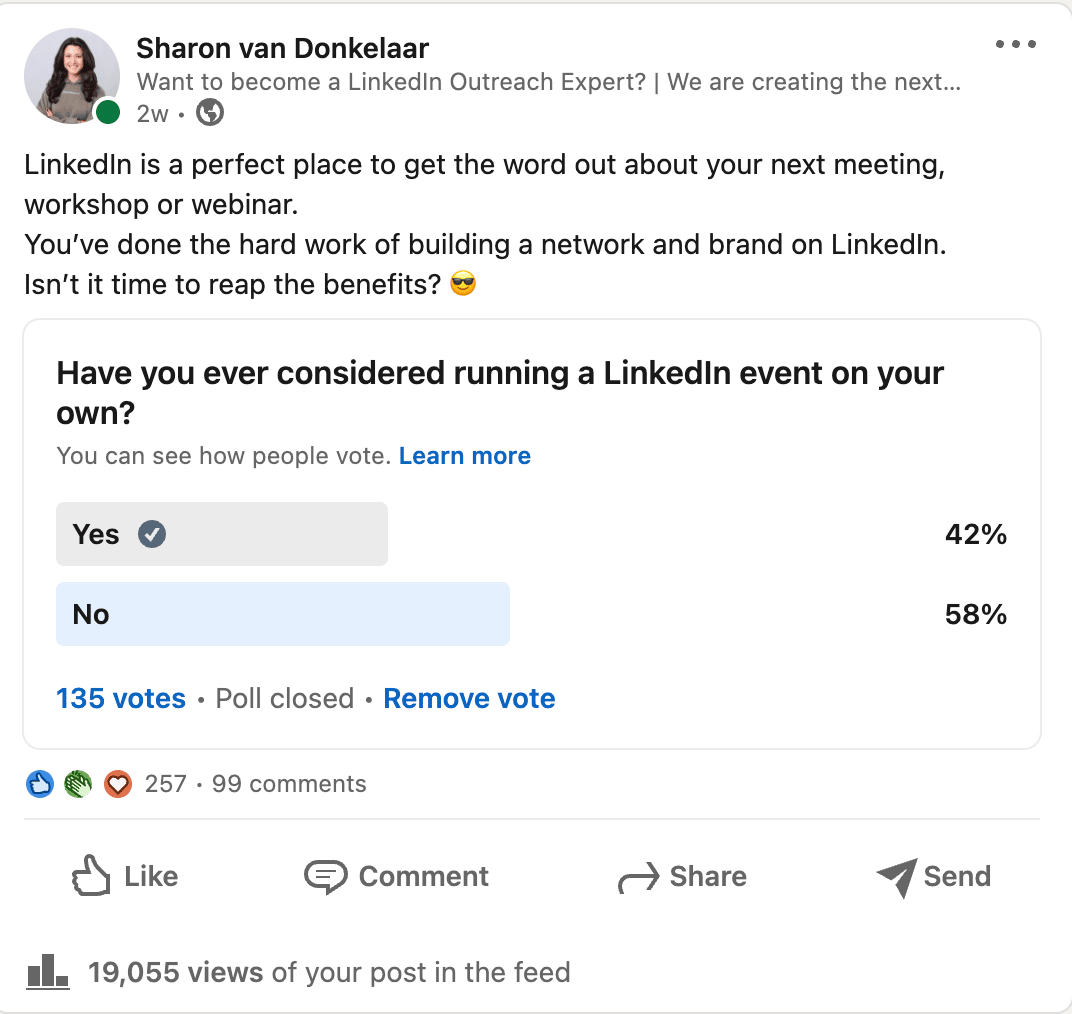
LinkedIn polls are a great way to capture engagement on the platform, and can also help you to get valuable insights about your audience. You can set a timeframe for your polls, ranking from one day to two weeks depending on how much time you think your audience will need to respond, and you can view all of the users that participate in your poll if you wish to follow up with them in the future.
Make sure to make your questions clear and concise so that users know exactly what you are asking of them.
Here are some ideas for how to use LinkedIn polls to increase engagement for LinkedIn SEO:
- Market research: “What is your biggest challenge with adopting AI?”
- Content ideas: “What would you like us to break down next?”
- Debates: “Do you prefer WFH or being in the office?”
- Trend insights: “What will have the biggest impact on digital marketing over the next year?”
Using Analytics to Improve LinkedIn SEO
If you want to succeed in LinkedIn search, you need to regularly audit your content to find out if your audience is actually responding to your efforts. This is where LinkedIn Analytics comes in. If you are an admin on your page, you can use this tool to get a much better understanding of how your content is performing and what changes you might need to make to improve your engagement.
You should regularly review your LinkedIn Analytics to analyse the performance of your content and get valuable insights about your audience.
Auditing LinkedIn content performance
Pay attention to:
- Which of your posts get the most reach.
- Which content formats perform the best.
- Which topics drive the most engagement.
- What generates the most likes, saves, shares, and comments.
- What content generates spikes in your follower count and newsletter subscriptions.
Armed with this data, you can give your audience more of the types of content they want to see, and conduct tests to find out how you can get the best engagement on the platform.
Gathering data about your audience
LinkedIn Analytics shows you the types of people that interact with your content, which can be extremely useful for learning who to target with your LinkedIn posts. You can analyse:
- Job titles
- Company sizes
- Industries
- Locations
- Functions
- Seniority
What you find might be surprising, so make sure to review your analytics regularly to identify any new audiences that you could be targeting or relevant audiences that are showing less interest in your profile than before.
LinkedIn search audit checklist
In addition to all of the data that you can collect from LinkedIn Analytics, here are some simple questions you can ask to work out if your LinkedIn SEO strategy is in good shape:
- Is your LinkedIn company profile fully complete and well-optimised?
- Does your company information on LinkedIn match your other social platforms?
- Are you posting frequently?
- Do you use a mix of different post formats to engage your audience?
- How many reactions do your posts get compared to the number of followers on your page?
- Are employees engaging with posts on the company profile?
- How many comments do your posts get and are they longer than 15 words? These comments signal meaningful engagement to the LinkedIn algorithm.
- Are the hashtags used relevant and are they over-used? More than 5 hashtags on a post is considered spam.
- Is your content generating likes, comments, and reposts?
- Are users coming to your website through LinkedIn?
Conclusion
I hope that this blog has proved useful in helping you curate a LinkedIn SEO and content strategy that works for you. Remember that social platforms are constantly evolving, and it is important to continuously adapt to new trends in content topics and formats to keep your audience engaged. If you would like further support or information about LinkedIn SEO, don’t forget that you can reach out to Hallam. We would love to discuss your LinkedIn search strategy further.